%20BLUE%20TEXT.png)
The Editing Your Account dialog is where you manage your own profile and preferences.
This includes your personal details, the way the portal looks when you log in, your security, your signature, and your API access.
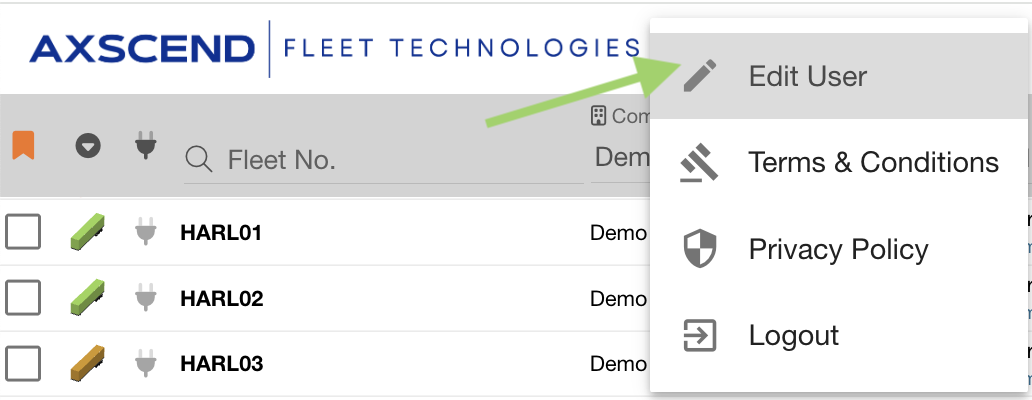
Open it by clicking your Username in the navigation bar, and clicking Edit User.

The dialog has five tabs, described below. Make your changes and click SAVE at the bottom to apply them.
Some display changes only take effect once the page reloads. Refresh after saving if you don't see them straight away.
Details
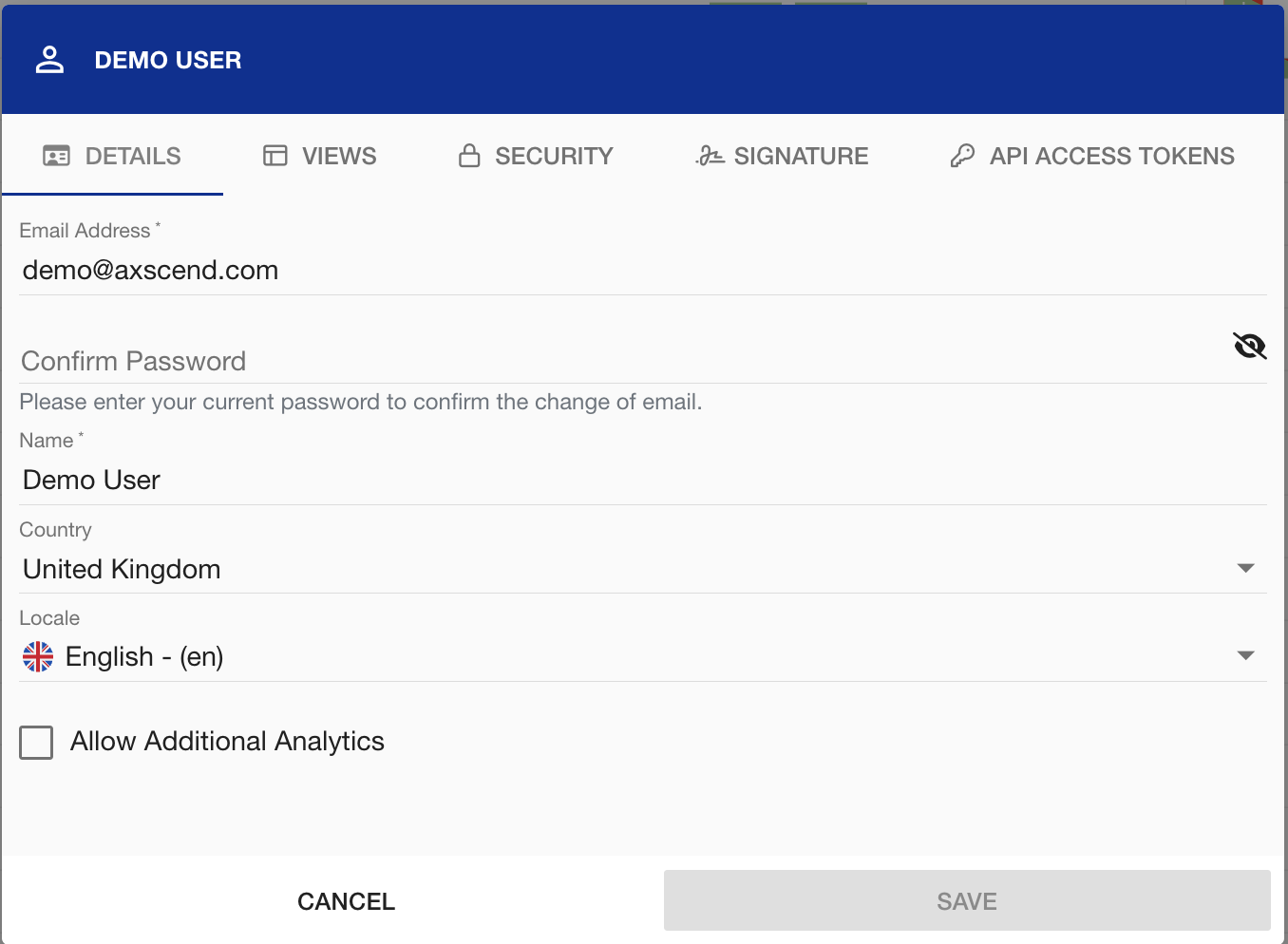
Your basic account information can be adjusted, such as:
-
Email Address - which is used to sign in and to identify you across the portal.
-
Name - this will appear in audit logs.
-
Country and Locale - your locale will set the language the portal is shown in.
-
Allow Additional Analytics allows you to opt in to additional usage analytics.
Views
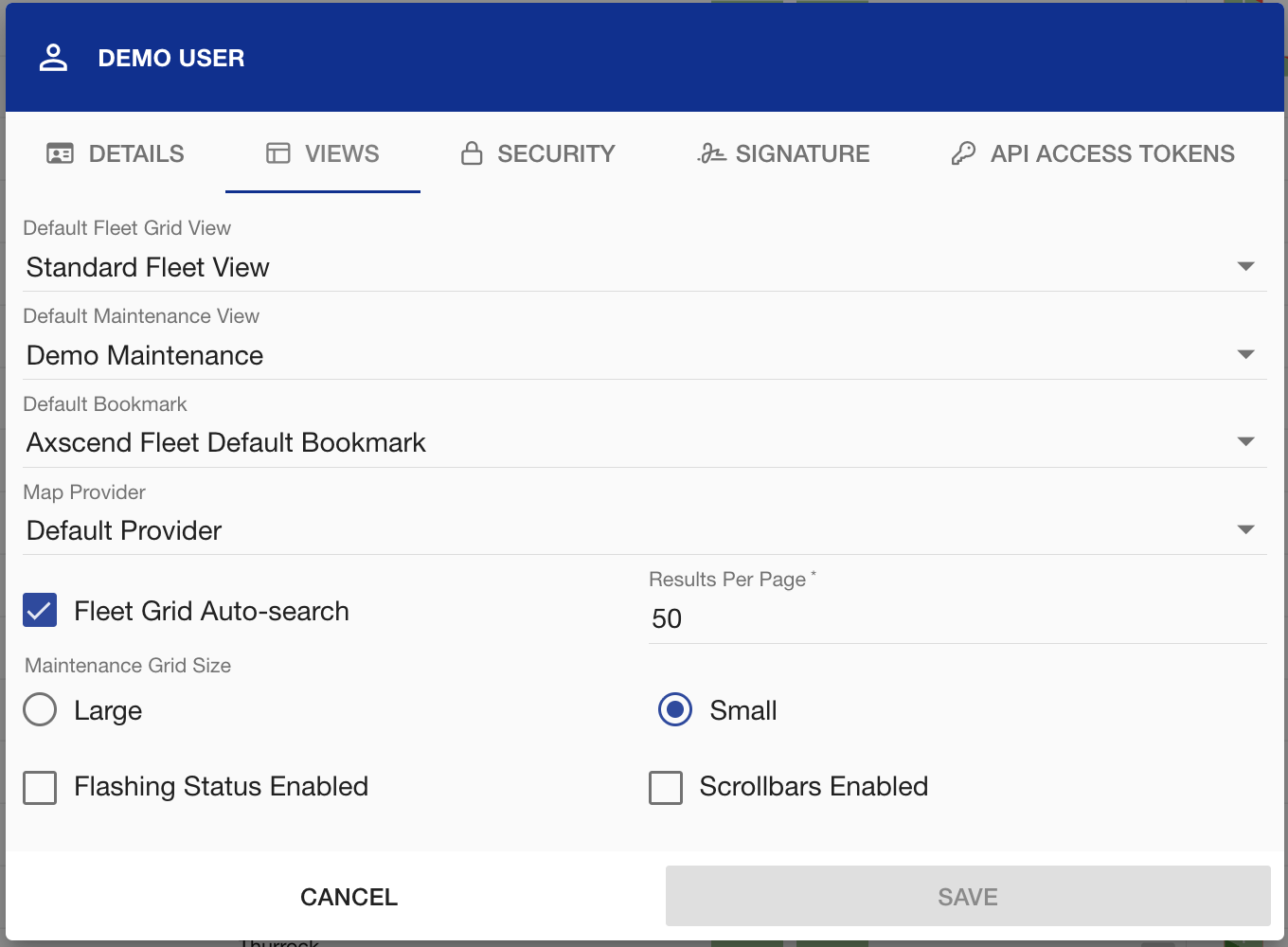
The views page shows your personal display defaults.
You can select the information that is important to you by configuring your
You can also adjust how your portal looks by changing how many results you see per page, the size of your maintenance grid, and choosing to enable Scrollbars or use mouse gestures.
Security
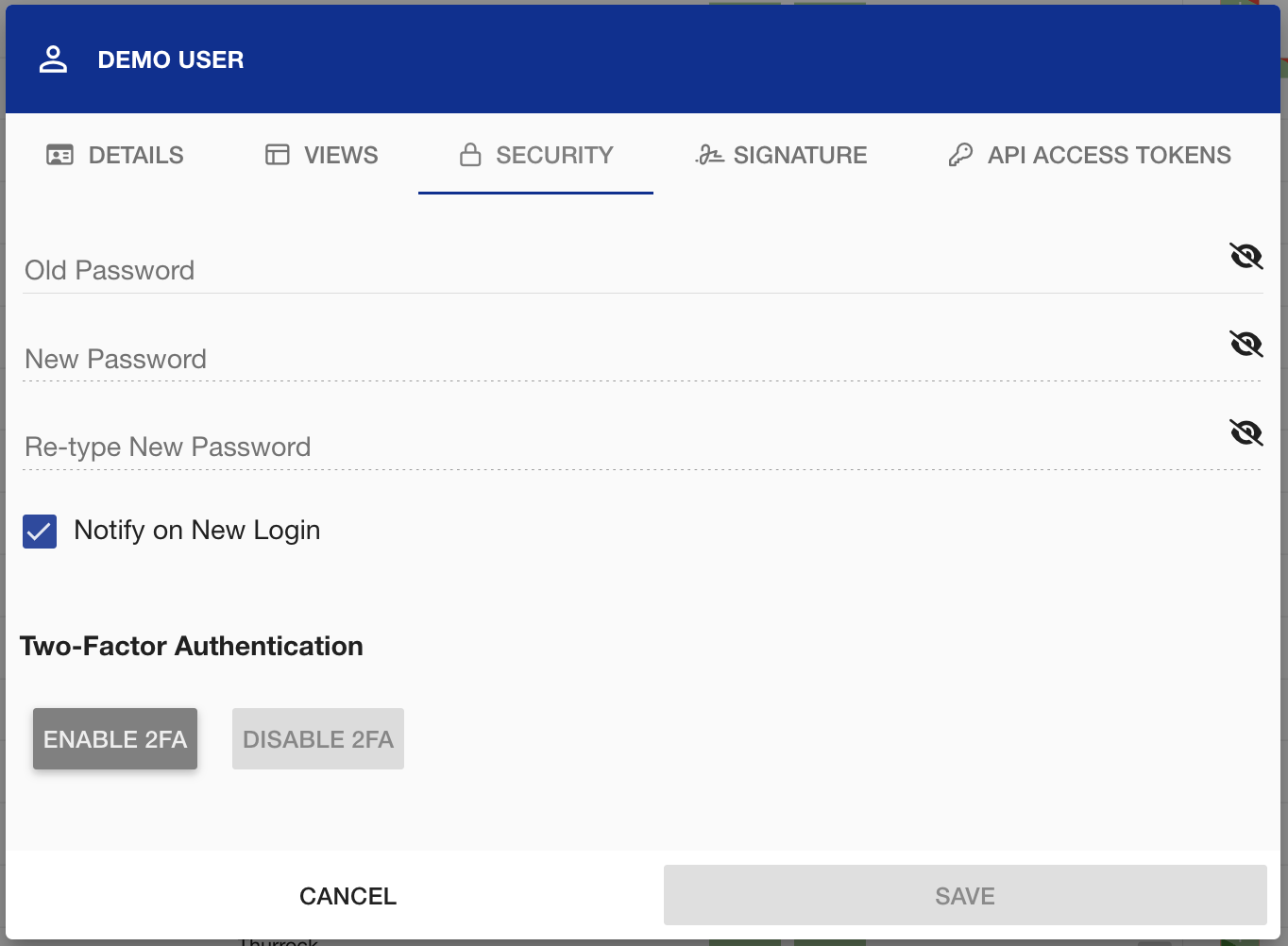
The security tab allows you to manage how you sign in and keep your account secure:
-
Change your password
Changing Your Password -
Choose to notify on New Login. When ticked, you are emailed whenever your account signs in from a new session, so you can spot a login you don't recognise.
-
Choose to enable Two-Factor Authentication.
If you think your account has been accessed by someone else, see Logging Out Of All Devices and Compromised Portal Account.
Signature
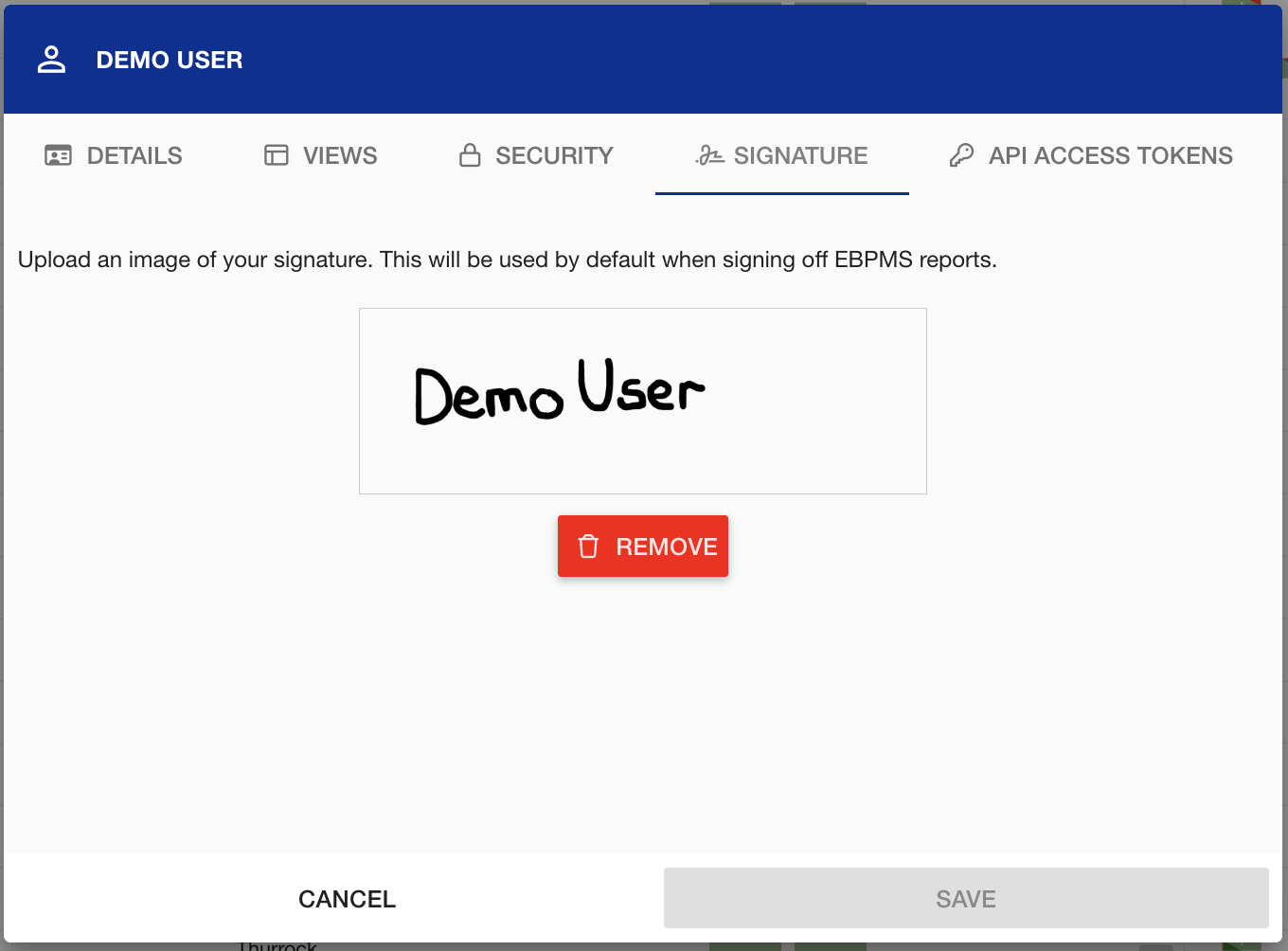
On the Signature tab, you can upload an image of your signature so it is applied automatically when you sign off EBPMS reports.
API Access Tokens
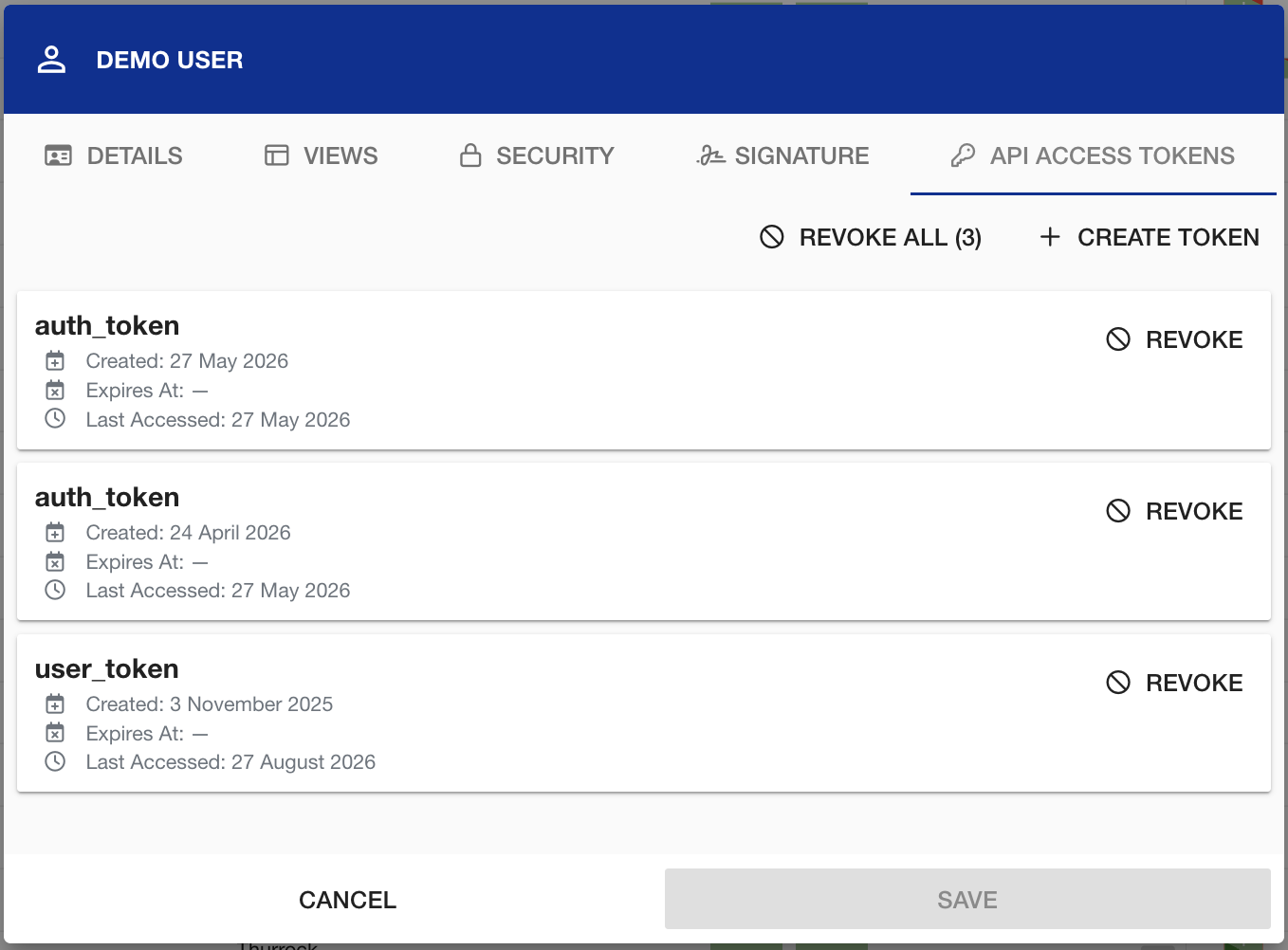
On the API Tab you can manage the tokens used to access the Axscend API.
This includes Creating a Token, Revoking an individual token, or Revoking All. Each token shows when it was created, when it expires, and when it was last used.