%20BLUE%20TEXT.png)
Go to the Finance Record Types page to see how to get here.
Adding A Record Type
You’re on the Manage Finance page.
You’re in the Record Types tab.
-
Click the Add button in toolbar.
-
The editor will open.
-
-
Fill out all relevant fields.
-
Click the Save button in the editor.
The record type has been created.
.gif?cb=8ff146ec2b9e23bcd0fbca2d2bad0215)
Adding a Sub-Type
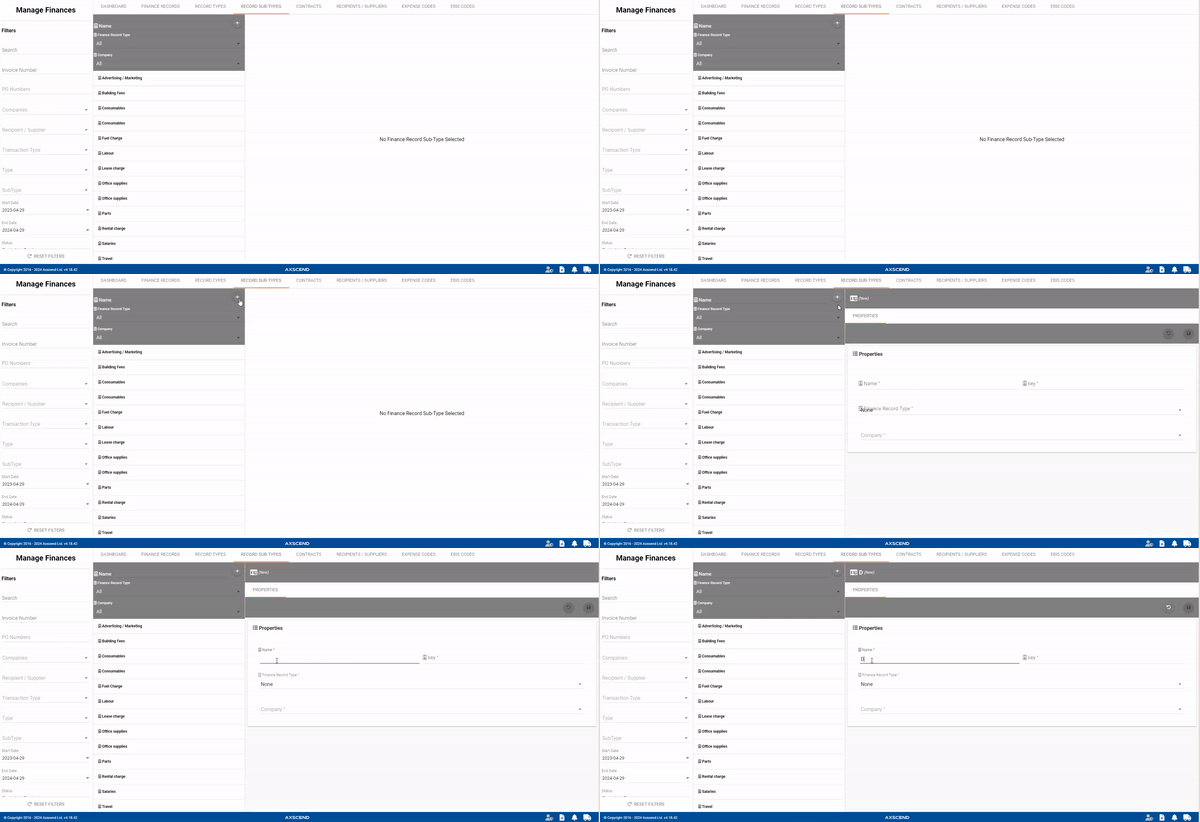
You’re on the Manage Finance page.
You’re in the Record Sub-Types tab.
-
Click the Add button in the toolbar.
-
The editor will open.
-
-
Fill out all relevant fields.
-
Click the Save button in the editor.
The record sub-type has been created.